 Image 1 of 4
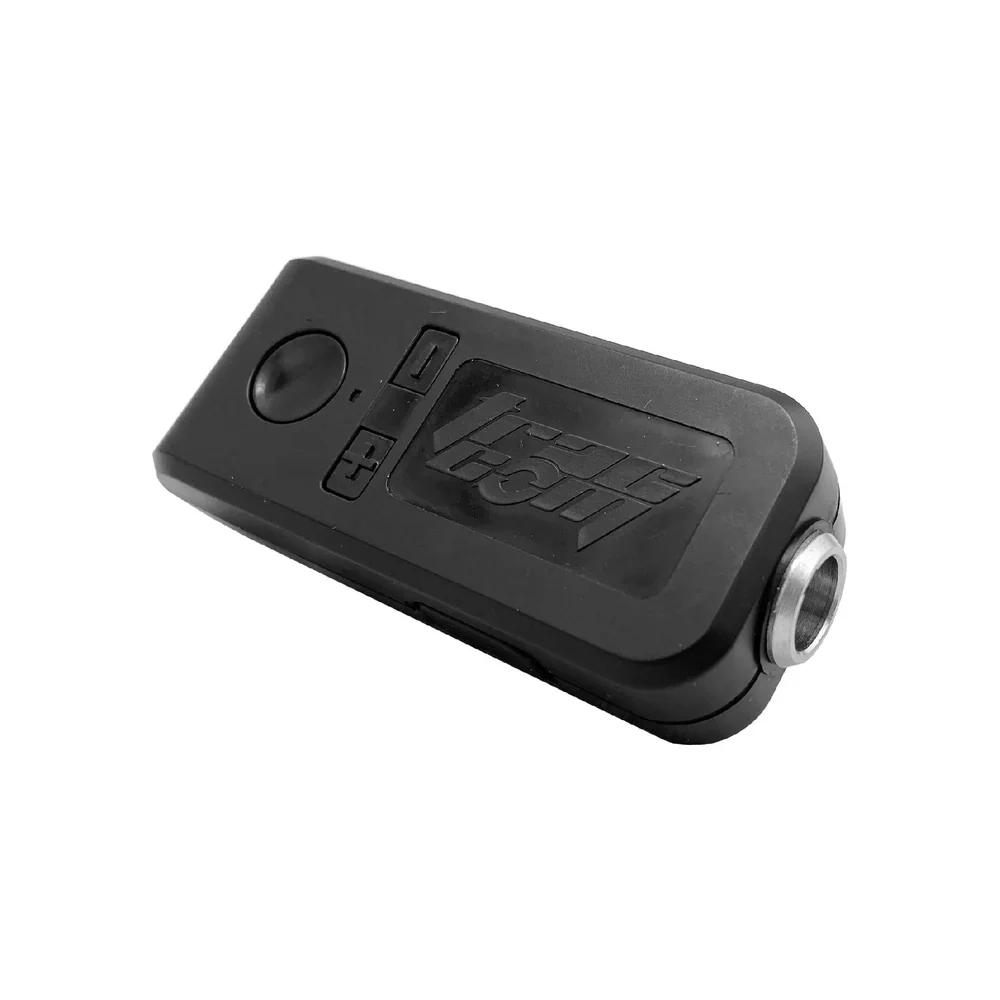 Image 2 of 4
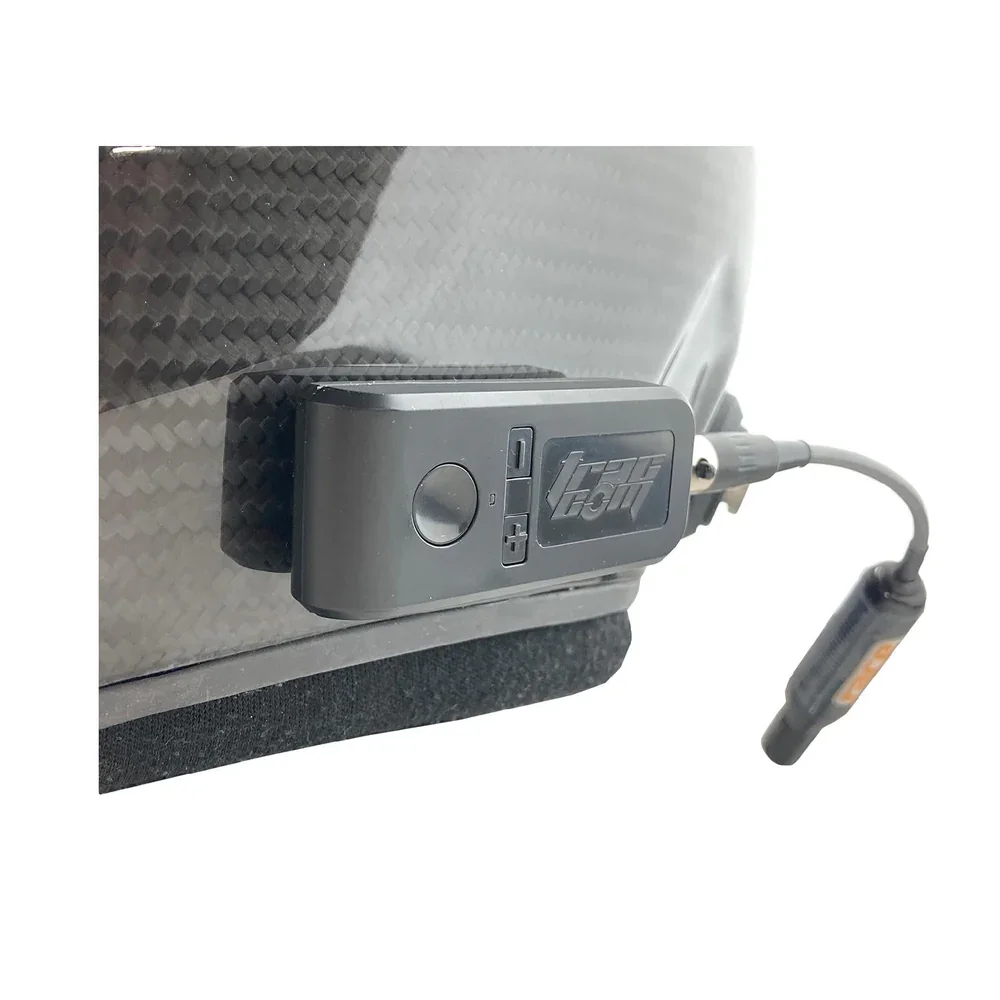 Image 3 of 4
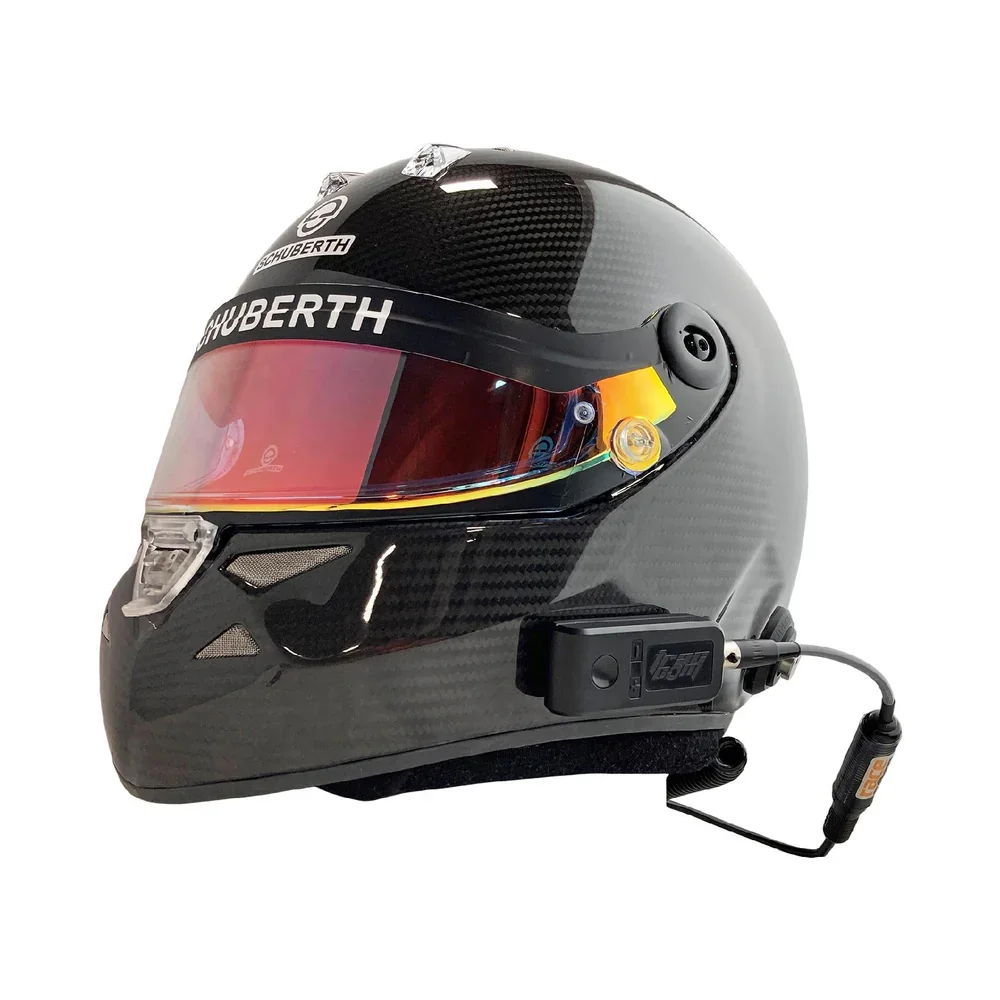 Image 4 of 4
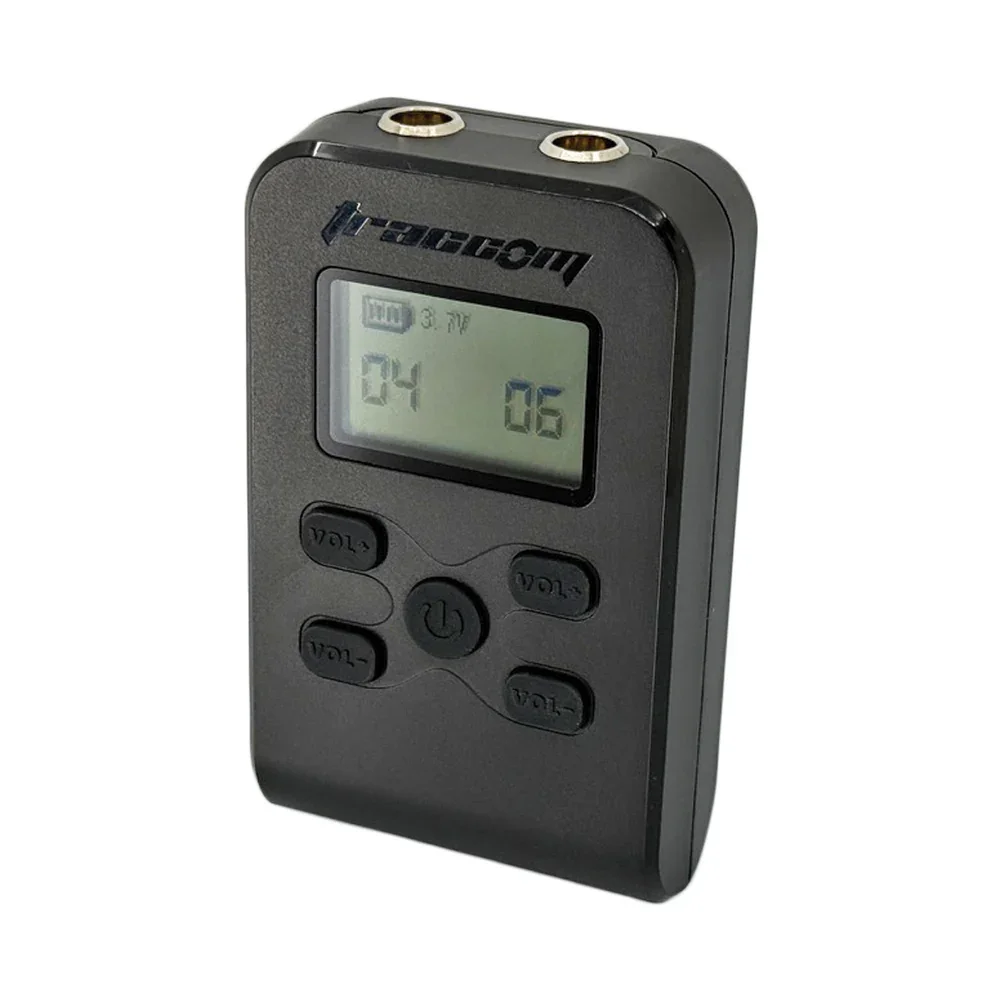
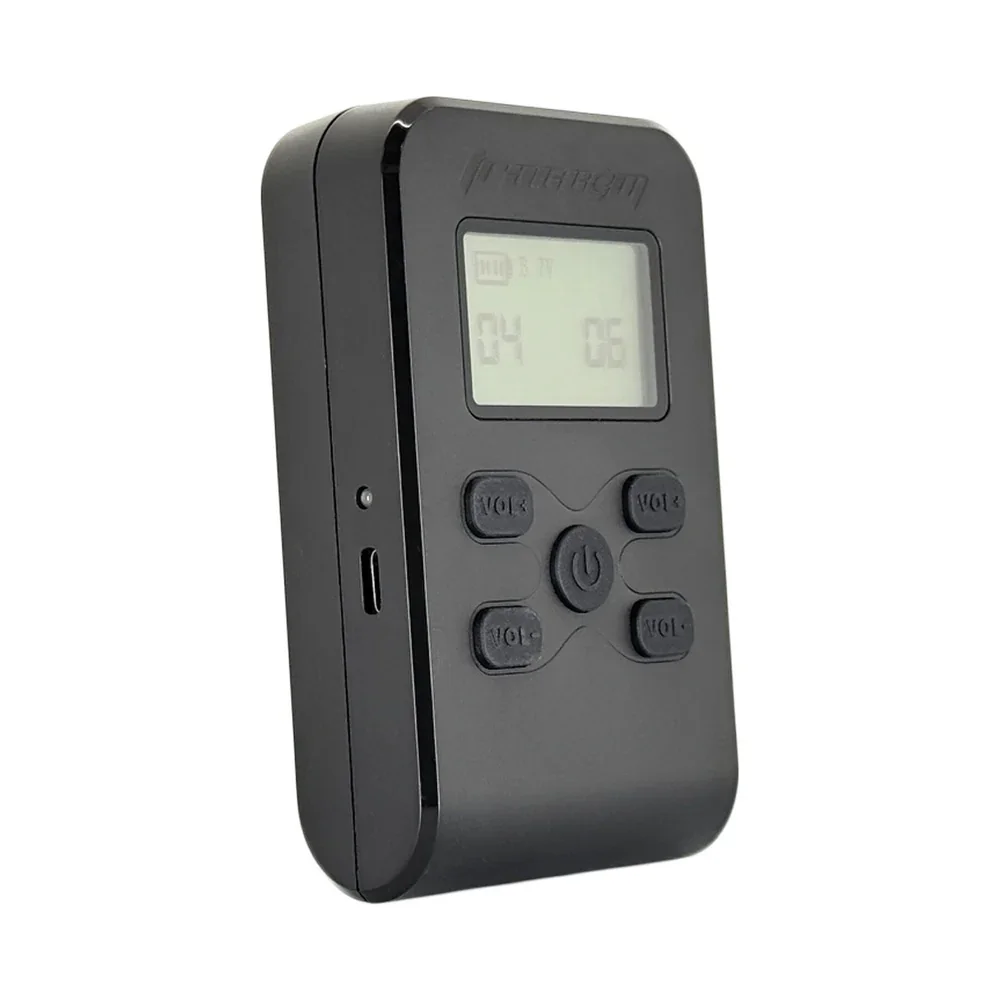
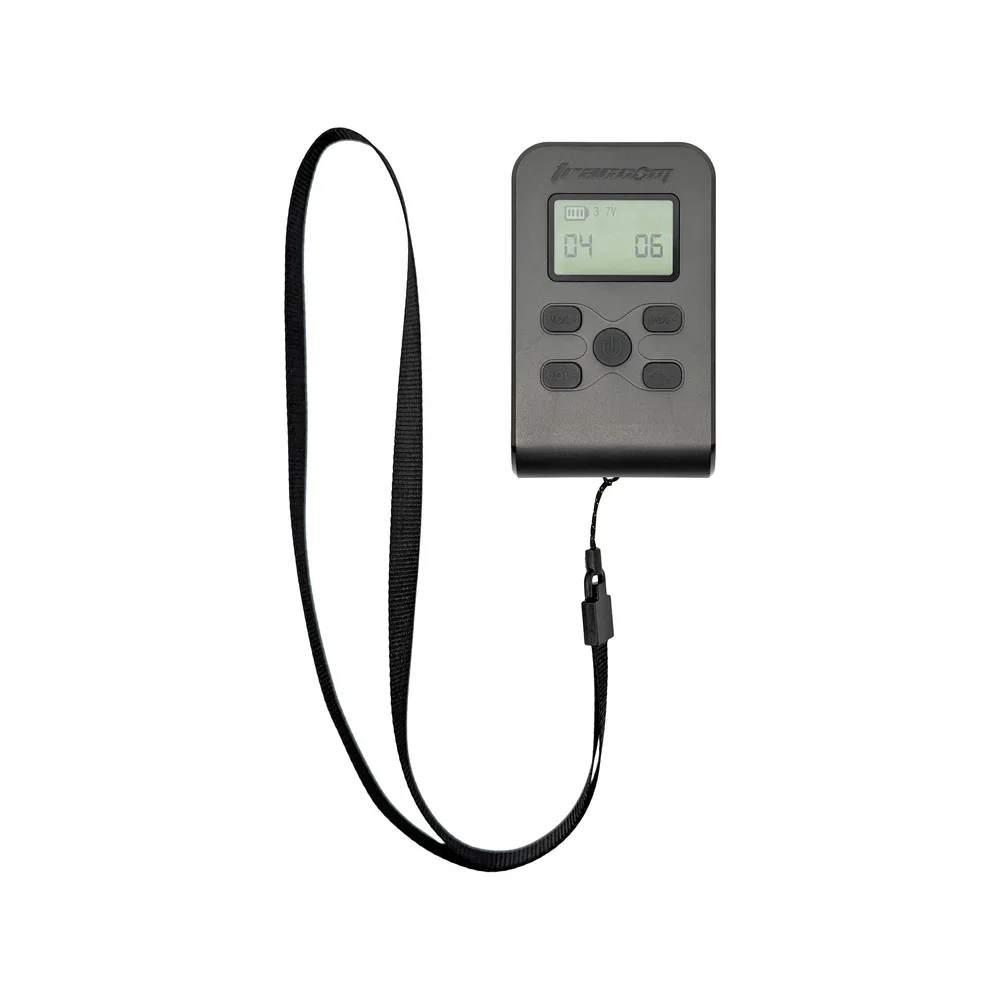
Attach the Trac-Com Chaser to the side of you helmet, connect the Chaser to your helmet audio (using optional adapter cables,) and then connect it to your cell phone using Bluetooth. The R-TC system allows instructors to interface with their students (two Chasers are included.) It also allows drivers, instructors, students to interface with others whether they are in the car or not.
Compatible with all Trac-Com adapter cables and accessories
Rechargeable Battery, Expected 10-hour battery life
Compact Size, Lightweight at .9oz
Bluetooth 5.1 technology. Bluetooth 5.1 ensures low latency with excellent audio quality.
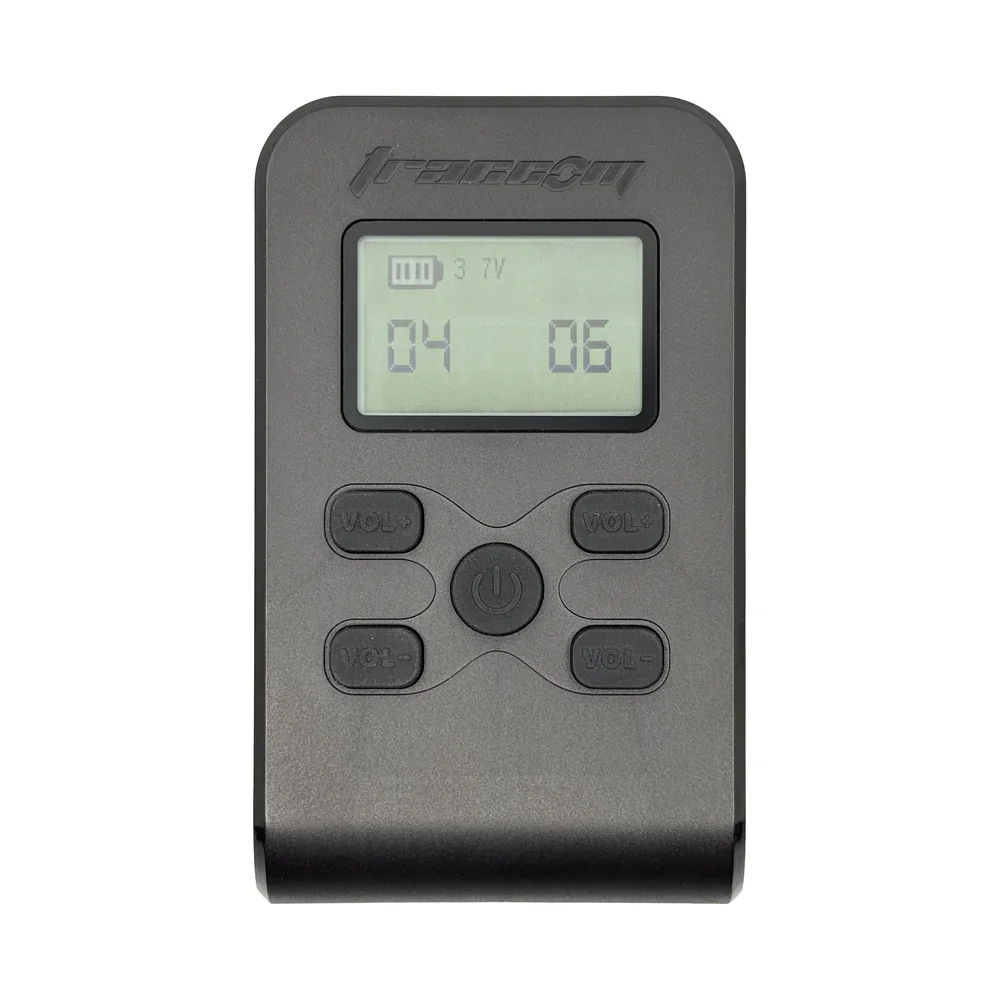
The adjustable volume keys on the unit allows for immediate adjustments without needing your phone.
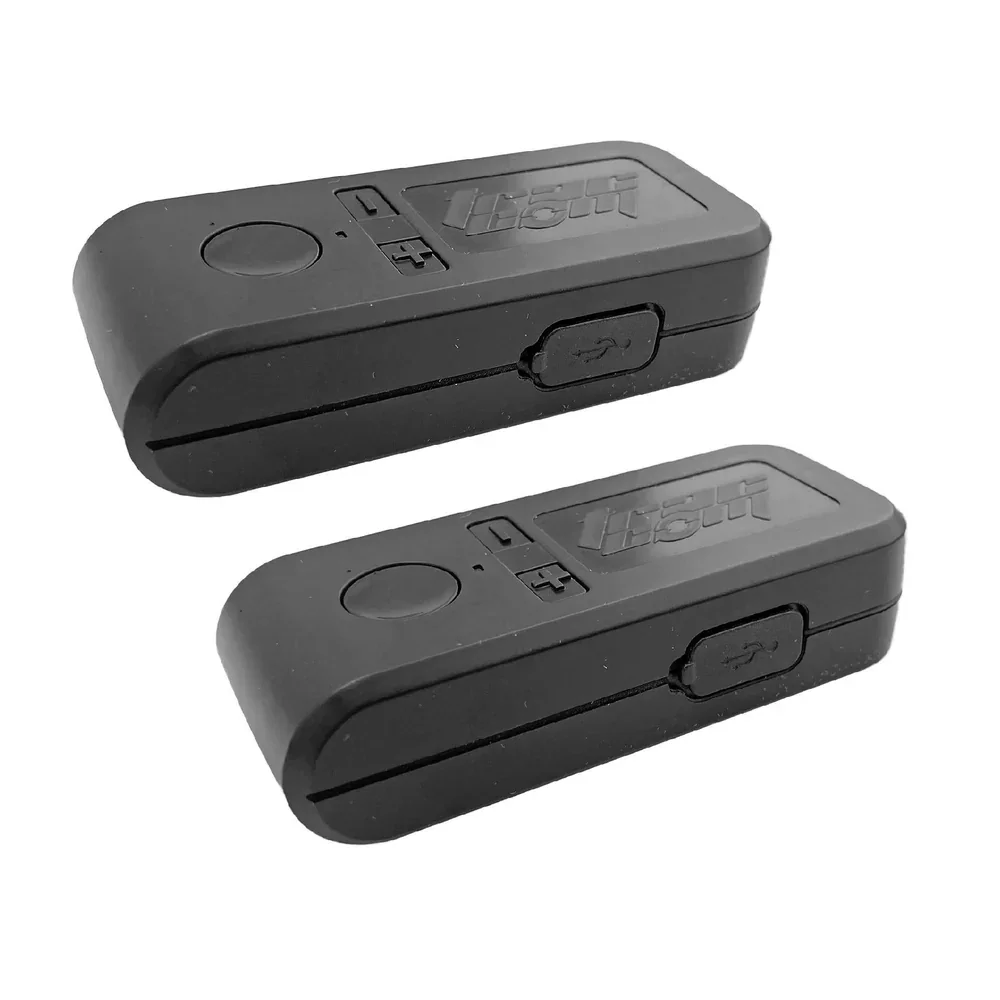
This Lead / Follow Package includes two units (one for the student and one for the instructor), a USB charging cable, and adhesive Velcro.
How does the Trac-Com R-TC Chaser work?:
Each driver starts by connecting one chaser unit to their personal cell phone – it is important that the Chasers are paired one at a time to avoid accidentally pairing the wrong device. To initiate the pairing mode, hold down the power button for a few seconds. The device will appear on the BT pairing screen on the phone, laptop, or other device.
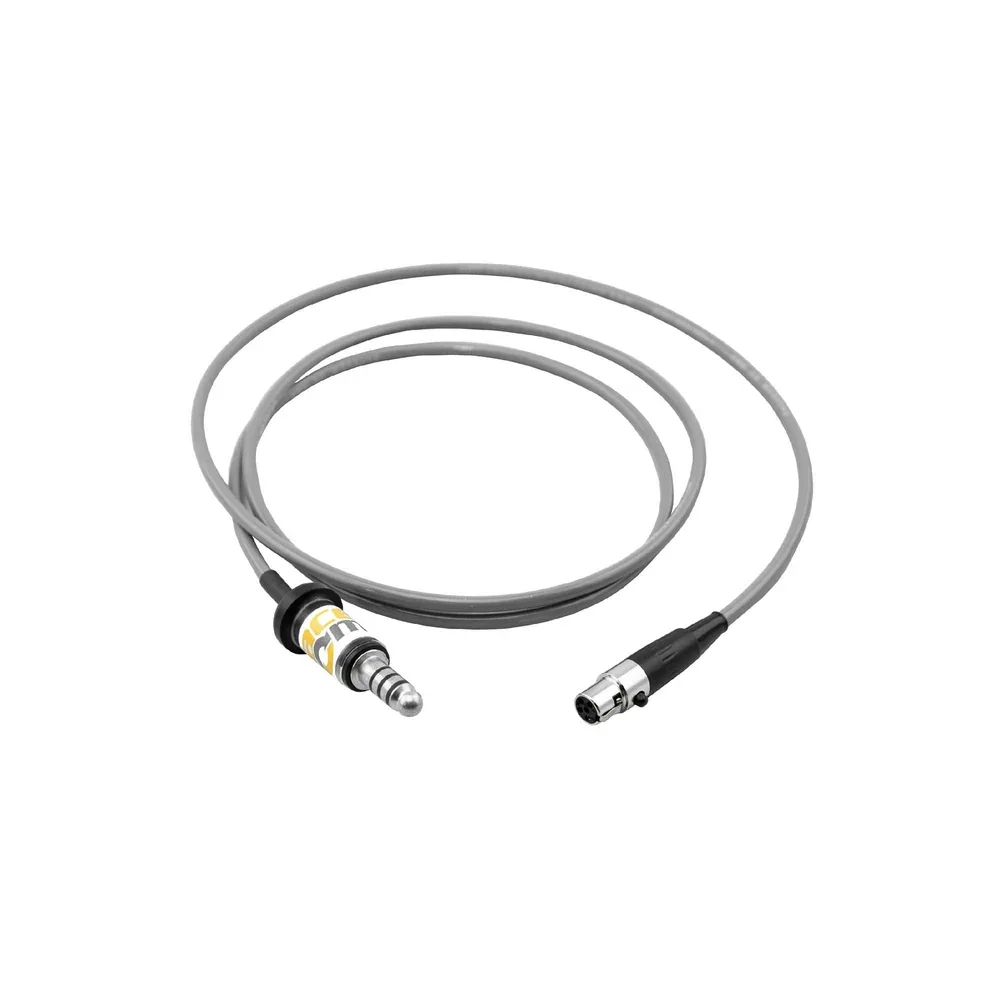
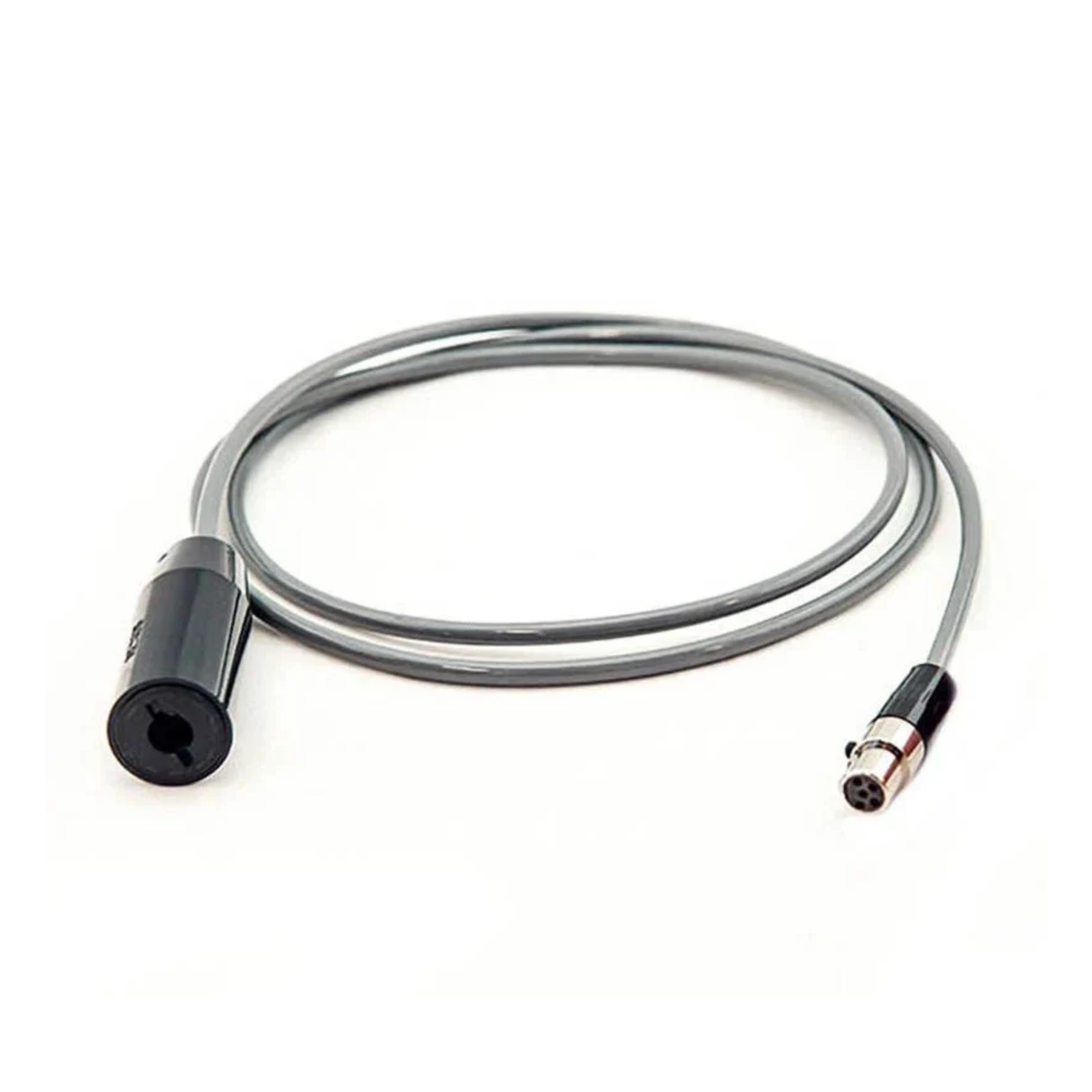
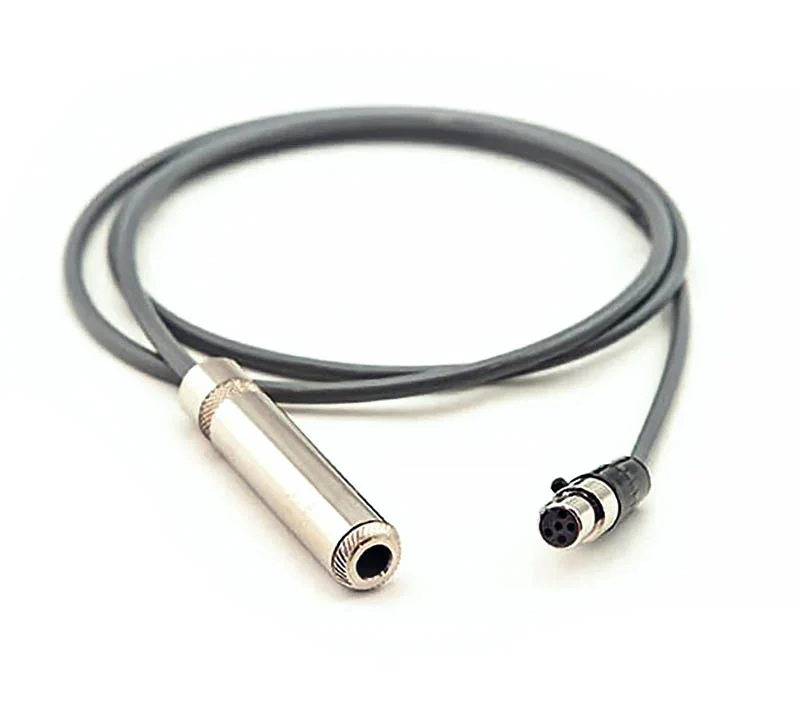
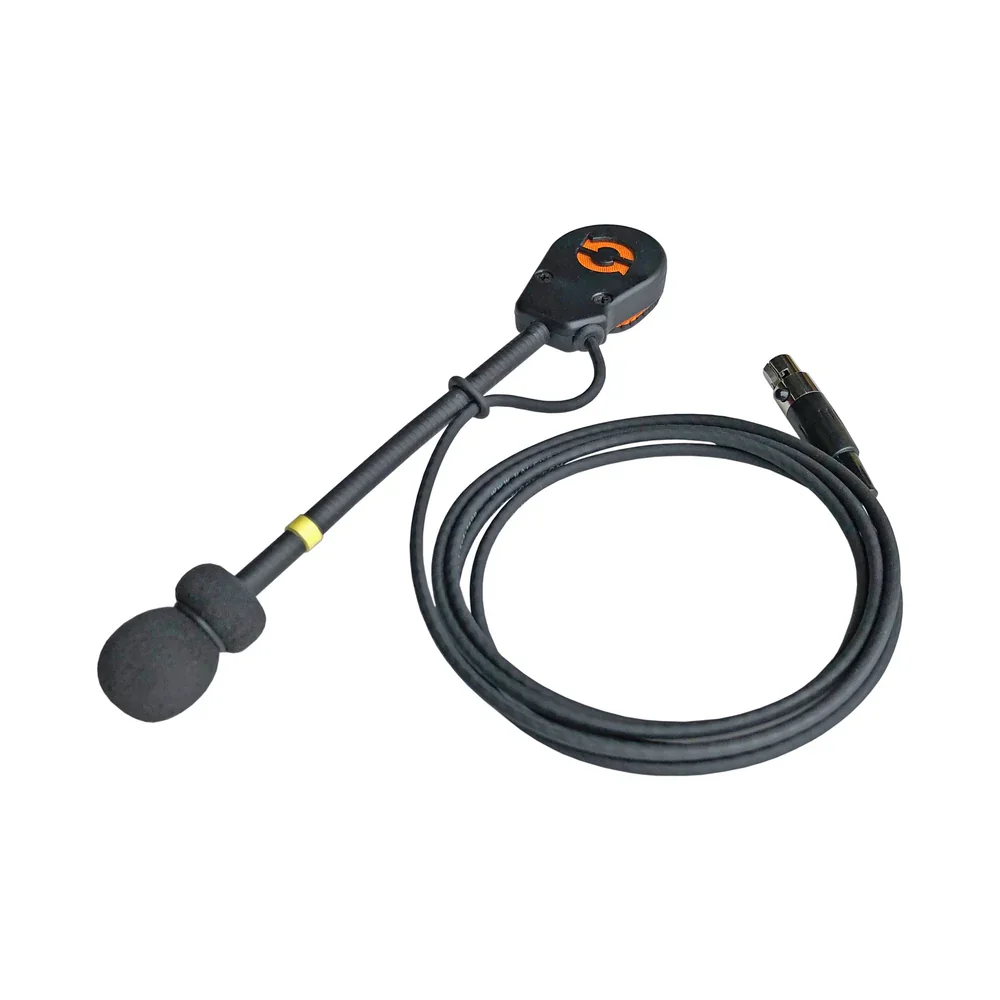
Each driver will connect either a Trac-Com Student headset or an integrated helmet kit to their corresponding Chaser unit (optional adapter cable required for integrated kits).
With both devices properly setup, the Student and Instructor will use the paired phones to communicate with a phone call or any other audio sharing application on their phone. There are many different uses for this product and your phone or computer is the limit. Units are not able to be paired together.
How do I connect my headset?
All Trac-Com student headsets and Trac-Com adapter cables are compatible with the Trac-Com Chaser Bluetooth Communicator. There are a variety of adapter cables available, including IMSA, ROUX, and STILO. Custom NASCAR cables are available upon request
Attach the Trac-Com Chaser to the side of you helmet, connect the Chaser to your helmet audio (using optional adapter cables,) and then connect it to your cell phone using Bluetooth. The R-TC system allows instructors to interface with their students (two Chasers are included.) It also allows drivers, instructors, students to interface with others whether they are in the car or not.
Compatible with all Trac-Com adapter cables and accessories
Rechargeable Battery, Expected 10-hour battery life
Compact Size, Lightweight at .9oz
Bluetooth 5.1 technology. Bluetooth 5.1 ensures low latency with excellent audio quality.
The adjustable volume keys on the unit allows for immediate adjustments without needing your phone.
This Lead / Follow Package includes two units (one for the student and one for the instructor), a USB charging cable, and adhesive Velcro.
How does the Trac-Com R-TC Chaser work?:
Each driver starts by connecting one chaser unit to their personal cell phone – it is important that the Chasers are paired one at a time to avoid accidentally pairing the wrong device. To initiate the pairing mode, hold down the power button for a few seconds. The device will appear on the BT pairing screen on the phone, laptop, or other device.
Each driver will connect either a Trac-Com Student headset or an integrated helmet kit to their corresponding Chaser unit (optional adapter cable required for integrated kits).
With both devices properly setup, the Student and Instructor will use the paired phones to communicate with a phone call or any other audio sharing application on their phone. There are many different uses for this product and your phone or computer is the limit. Units are not able to be paired together.
How do I connect my headset?
All Trac-Com student headsets and Trac-Com adapter cables are compatible with the Trac-Com Chaser Bluetooth Communicator. There are a variety of adapter cables available, including IMSA, ROUX, and STILO. Custom NASCAR cables are available upon request